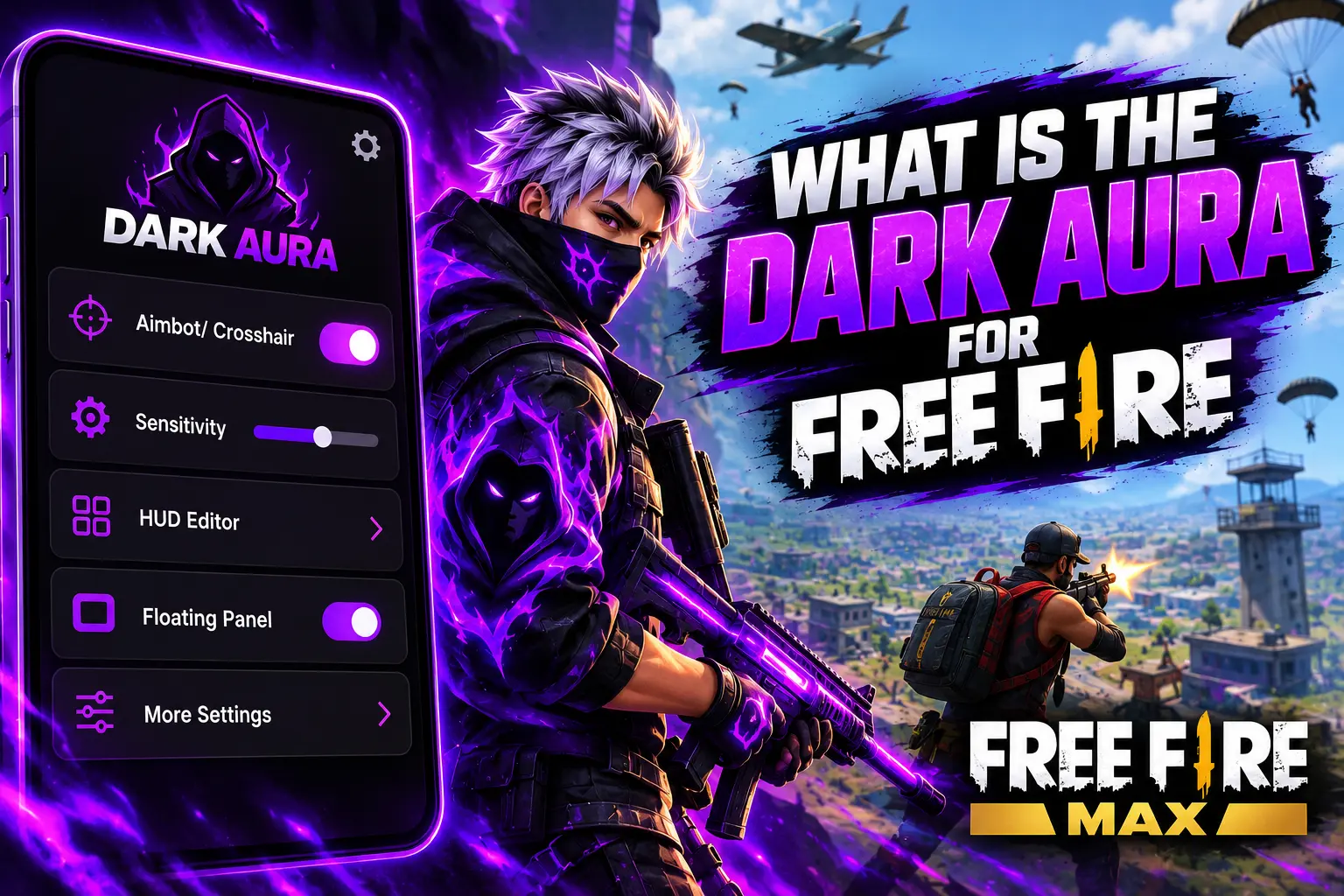
If you play Free Fire, you may have come across the term Dark Aura while searching for gaming tools, sensitivity settings, or customization options. Many players want to know what Dark Aura does, which features it offers, and whether it can be used with Free Fire or Free Fire MAX.
Dark Aura is commonly described online as a third-party gaming utility associated with options such as sensitivity controls, HUD customization, crosshair features, and floating panels. However, the exact functions depend on the version, and not every advertised feature is independently verified.
In this guide, we will explain what Dark Aura is, how it is presented to players, what to consider before installing it, and which alternatives you can explore through Free Fire’s built-in settings.
What Is Dark Aura?
Dark Aura is a name associated with third-party gaming panels designed for players interested in additional customization options. Depending on the version, these tools may provide a separate interface for accessing different gaming-related settings.
Some websites describe Dark Aura as a utility for Free Fire and Free Fire MAX. The advertised features may include sensitivity adjustments, crosshair customization, HUD-related controls, and floating overlays.
It is important to understand that Dark Aura is not necessarily an official Garena application. Its availability, developer information, and actual capabilities should be checked before downloading any APK.
What Is Dark Aura Used For?
Players usually explore gaming utilities because they want more control over their setup. Dark Aura is associated with several types of customization.
Sensitivity Settings
Sensitivity determines how quickly the camera and aiming controls respond to finger movements. Finding comfortable sensitivity settings can make gameplay feel more consistent.
Some Dark Aura versions advertise sensitivity-related options. However, the available controls may vary, and there is no guarantee that an external utility will improve your aim.
Free Fire also provides its own sensitivity settings, making the game’s built-in options a useful starting point.
HUD Customization
HUD stands for heads-up display. In Free Fire, the HUD includes on-screen controls such as movement, shooting, jumping, and other gameplay buttons.
A well-arranged HUD can make controls easier to reach, especially on smaller screens.
Dark Aura is sometimes associated with HUD-related customization, but you should verify the exact capabilities of the version you are considering. The game’s native HUD editor is a safer first option for adjusting button positions.
Crosshair Features
Crosshairs help players identify an aiming point. Some third-party gaming panels advertise crosshair-related features or visual customization.
However, crosshair functionality depends on how the feature is implemented. An advertised option does not automatically mean it works in every game or on every device.
Floating Panel
A floating panel is an interface that can appear over another application. Depending on the implementation, it may allow users to access certain controls without switching completely away from a game.
Some Android applications require permission to display overlays. Before granting that permission, consider why the application needs it and whether you trust the source.
Does Dark Aura Work With Free Fire and Free Fire MAX?
Compatibility depends on the specific Dark Aura version, your Android device, and the current game release.
A utility may open successfully but still lack some advertised features. Game updates can also affect how third-party applications behave.
Before relying on a compatibility claim, check the version information, supported Android requirements, and any credible documentation available from the developer.
Do not assume that a tool supports every Free Fire or Free Fire MAX release simply because a download page says so.
How to Check Dark Aura Before Downloading
If you are interested in Dark Aura, take a few minutes to review the application before installing it.
Check the APK Source
Download applications only from sources you trust. Be cautious of websites that provide unclear developer details, misleading download buttons, or unsupported claims.
Verify the Version
Check the version number, release information, and compatibility details. Different releases may contain different features or requirements.
Review Permissions
Read the Android permissions requested by the application. Avoid granting unnecessary access, especially when a permission does not appear related to the feature you want to use.
Scan the File
Use reputable security software to scan an APK before opening it. This can help identify some potential threats, although no scan can guarantee complete safety.
Is Dark Aura Safe for Free Fire Players?
The safety of Dark Aura cannot be established from its name alone. It depends on the actual APK file, its source, its permissions, and how it operates.
Third-party applications can expose users to risks such as unwanted software, excessive permissions, privacy concerns, or device instability.
There is also an important distinction between customization and gameplay modification. Tools that automate actions, change game behavior, or provide unauthorized advantages may violate a game’s rules.
Review Garena’s current policies before using third-party utilities. Avoid tools that request your game account password or promise guaranteed headshots, unlimited rewards, or other unrealistic benefits.
Dark Aura vs. Free Fire’s Built-In Settings
For players who simply want more comfortable controls, Free Fire’s native settings are a practical place to start.
| Feature | Free Fire built-in settings | Third-party Dark Aura utility |
|---|---|---|
| Sensitivity | Available in the game | Depends on the version |
| HUD layout | Built-in customization | Depends on the advertised features |
| Installation | No separate APK required | May require a separate installation |
| Security considerations | Managed within the game | Requires checking the APK and permissions |
| Official game support | Native game feature | Must be verified |
The built-in options are designed for the game and do not require installing an additional utility. External tools introduce extra compatibility and security considerations.
Frequently Asked Questions
What is Dark Aura in Free Fire?
Dark Aura is a name associated with third-party gaming utilities that advertise customization features such as sensitivity controls, HUD-related options, crosshair features, and floating panels.
Is Dark Aura an official Free Fire application?
Do not assume that it is officially developed or endorsed by Garena. Check official sources for confirmation of any claimed partnership or support.
Can beginners use Dark Aura?
Beginners can research the tool, but they should understand its source, permissions, and compatibility before installing it. Free Fire’s built-in settings are a good starting point for new players.
Does Dark Aura guarantee better aim?
No. There is no reliable basis for guaranteeing better aim or improved performance from Dark Aura. Results depend on player skill, device settings, and the features actually available.
Is Dark Aura compatible with every Android phone?
Not necessarily. Compatibility depends on the application’s requirements, Android version, and device configuration.
Final Thoughts
Dark Aura for Free Fire is a term used for third-party gaming utilities that advertise additional customization options. Depending on the version, these may include sensitivity-related settings, HUD features, crosshair options, or floating panels.
However, advertised features should not be treated as verified capabilities. Check the source, version, permissions, and compatibility before installing an APK, and review Garena’s rules before using external gaming tools.