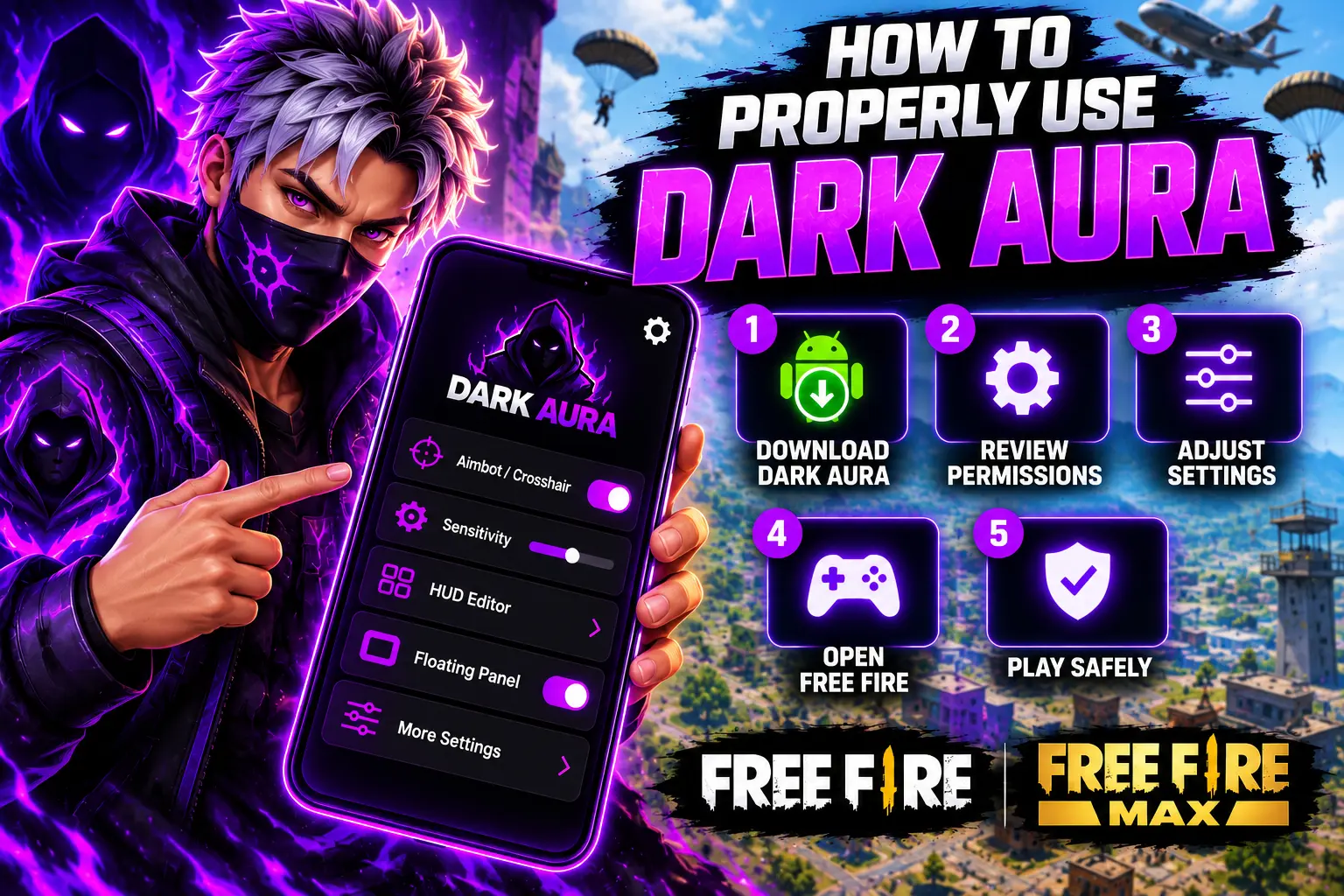
Dark Aura is a name associated with third-party gaming tools that some players explore for use with Free Fire and Free Fire MAX. If you are new to Dark Aura, you may wonder how to use it correctly, which settings to check, and how to avoid potential problems on your Android device.
Before getting started, remember that the available features and installation process can vary between versions. Not every APK download source is trustworthy, and compatibility with Free Fire is not guaranteed. This guide explains the basic checks and precautions you should follow before using Dark Aura.
What Is Dark Aura?
Dark Aura is commonly discussed in connection with gaming panels and utilities for Free Fire. Depending on the version, descriptions may mention settings or interface options intended to customize the gaming experience.
However, features advertised by third-party websites may not always work as claimed. You should verify the app’s actual functions instead of assuming every advertised option is available.
Why Do Players Explore Dark Aura?
Players may be interested in Dark Aura for several reasons:
- Customization: Some versions may advertise additional interface or configuration options.
- Convenience: A panel-style interface may group certain settings together.
- Compatibility: Users often want to know whether a version supports their Android device and game.
- Ease of use: Beginners may prefer a simple interface with clearly labeled options.
These points describe common reasons players explore gaming utilities. They are not a guarantee that every Dark Aura version provides these features.
How to Prepare Before Using Dark Aura
Preparation is important, especially when an application comes from a third-party website rather than an official app store.
Check the Download Source
Download the APK only from a source you can reasonably verify. Look for clear version information, developer details, and a trustworthy website reputation.
Avoid websites that use misleading download buttons, force you through suspicious redirects, or request unnecessary personal information. A website displaying an APK file does not automatically make that file safe.
Check Android Compatibility
Review the application’s stated Android requirements before installing it. An older version may not work correctly on a newer operating system, while a newer release may require features your device does not support.
Keep enough free storage available and update Android through your device’s normal system settings when appropriate.
Review App Permissions
Check the permissions requested during installation or first use. Consider whether each permission makes sense for the application’s stated purpose.
Be cautious if an unfamiliar gaming tool requests access to contacts, SMS messages, accessibility services, or other sensitive features without a clear explanation. Do not grant permissions simply because a pop-up tells you they are required.
How to Use Dark Aura Step by Step
The exact interface may differ by version, so the following steps provide general guidance rather than instructions for a verified release.
Read the Version Information
Before opening the application, confirm its version and review any available instructions. Avoid mixing instructions intended for different releases because menus and features may have changed.
If the download page does not identify the version or explain its purpose, consider choosing a better-documented alternative.
Open the App and Review Its Interface
If you decide to proceed, open the application and examine its main screen. Read the labels carefully before changing any settings.
Do not tap unfamiliar buttons simply to see what happens. If a setting is unclear, consult reliable documentation for that exact version.
Change Only Settings You Understand
Make one change at a time and check the result before changing anything else. This makes it easier to identify the cause of a problem.
Avoid configuration files or options from unknown sources. Never provide your game account password, verification code, or other login credentials to an unverified third-party utility.
Check Compatibility Before Launching the Game
Some third-party applications may not work with every Free Fire version or Android device. Do not assume that compatibility with Free Fire also guarantees compatibility with Free Fire MAX.
If the app displays errors, crashes, or requests unusual permissions, stop using it rather than repeatedly trying different unknown settings.
Monitor Your Device
After installing any third-party APK, watch for unusual battery drain, excessive data use, unexpected advertisements, overheating, or unfamiliar background activity.
If you notice suspicious behavior, stop using the application, revoke unnecessary permissions, and uninstall it if appropriate. Run a security scan using a trusted mobile security tool.
Is Dark Aura Safe to Use?
The safety of Dark Aura depends on the specific file, its source, the permissions it requests, and how it operates. It is not possible to confirm an APK’s safety from its name alone.
Third-party gaming tools can also create account-related risks. If a tool modifies gameplay, interacts with the game in an unauthorized way, or violates the game’s rules, it may expose your account to penalties.
For that reason, review the current Free Fire terms and applicable game policies before using any external utility. Avoid tools that promise guaranteed advantages or ask you to disable important security protections.
Common Dark Aura Problems and Solutions
Dark Aura Does Not Open
Check whether your Android version meets the application’s requirements. Restart your device and review the available version documentation. If the problem continues, uninstall the app rather than downloading random replacement files.
Dark Aura Is Not Compatible With the Game
Compatibility may depend on the app version, game version, and device. Check reliable documentation for the exact release. Do not assume an update will fix the issue unless the developer provides relevant information.
The App Requests Too Many Permissions
Deny permissions that are unnecessary or unexplained. If the app cannot function without sensitive access that you do not trust, the safest option is not to use it.
Your Device Becomes Slow
Close the application and check battery and data usage in Android settings. Uninstall it if you suspect it is causing performance problems.
Frequently Asked Questions
Can Beginners Use Dark Aura?
Beginners can review its interface and documentation, but they should understand the risks of third-party APKs before installing or using the application.
Does Dark Aura Work With Free Fire MAX?
Compatibility is not guaranteed. It depends on the specific release, Android device, and game version. Verify the details before assuming it will work.
Should I Disable Android Security to Install Dark Aura?
No. Avoid disabling important security protections to install an unverified APK. If installation requires you to bypass safeguards you do not understand, reconsider using the application.
Can Dark Aura Affect My Game Account?
Potentially. Third-party tools that violate game rules or modify gameplay may put an account at risk. Review the current game policies and avoid unauthorized tools.
Conclusion
Using Dark Aura responsibly starts with checking the download source, confirming Android compatibility, reviewing permissions, and understanding the application’s actual features. Make changes cautiously, monitor your device, and stop if you notice suspicious behavior.